
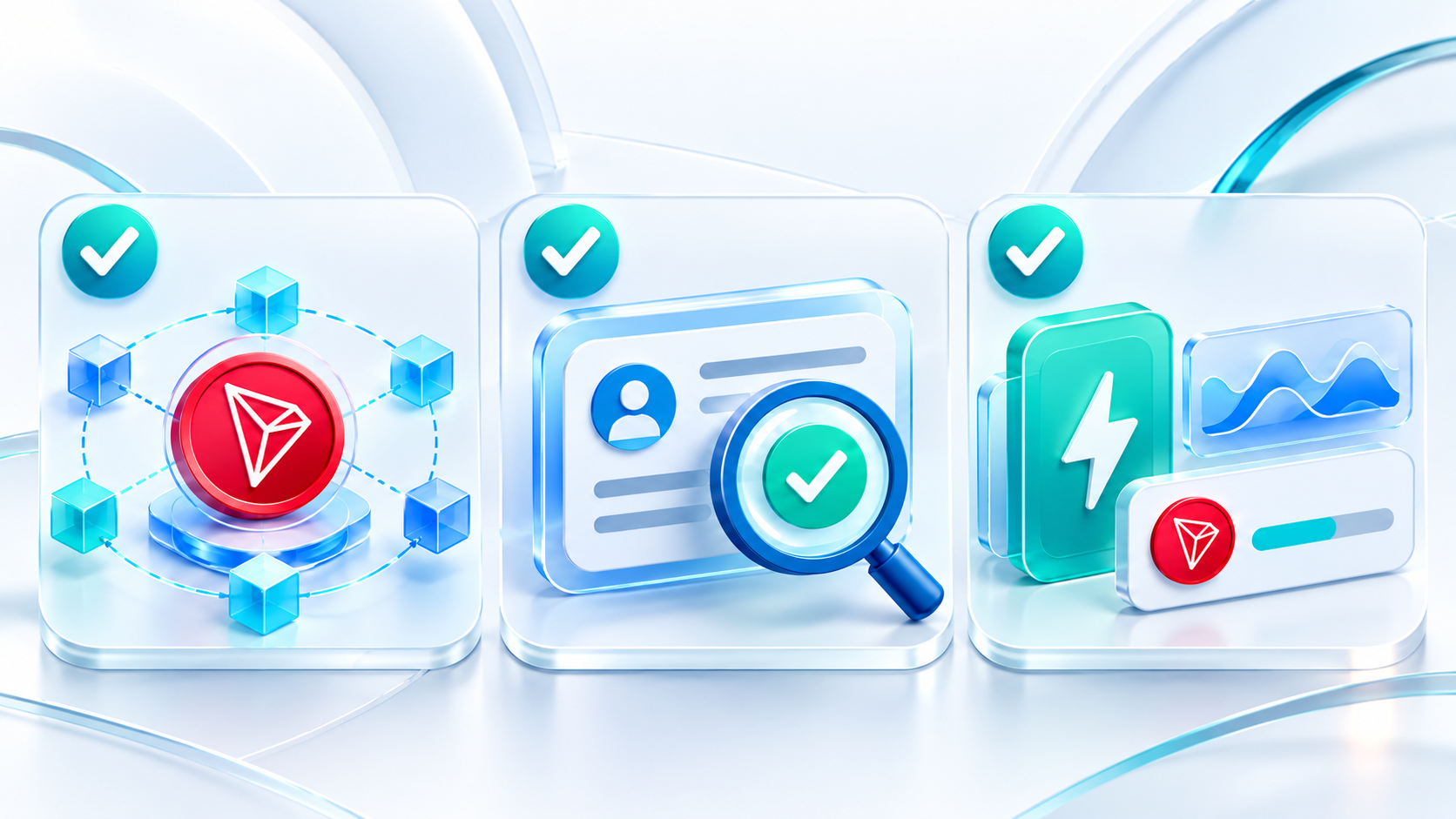
Three Things to Check Before a TRC-20 Transfer
Before sending, confirm the TRON network and token, the recipient address, and the resources available to the sending address. Checking Energy, Bandwidth and the TRX balance can help reduce unexpected costs or failures caused by insufficient resources.
A TRC-20 transfer involves more than entering an amount. Check the network, address and resources before pressing Send.
1. Confirm the network and token
Make sure the wallet uses the TRON network and verify the token name and contract address. Tokens with the same name can exist on different networks. When depositing to a platform, check the networks and tokens it supports.
2. Review the recipient address
Check the entire recipient address, not just its first and last characters. Verify it again after pasting to catch an address replacement or a wrong contact. For a first transfer to an unfamiliar address, consider a small test and confirm receipt before proceeding.
3. Check resources and the TRX balance
A TRC-20 transfer calls a smart contract and uses Energy as well as Bandwidth. Check the sending address’s available Energy, Bandwidth and TRX balance. If resources are insufficient, the network may burn TRX under the current chain parameters. Use the current estimate and actual execution result; do not assume a fixed cost for every transfer.
If renting Energy, verify the receiving address, quantity and validity period. Confirm that the resources have arrived before sending the transfer.
References: TRON: Bandwidth and Energy · TRON: TRC-20 protocol interface