
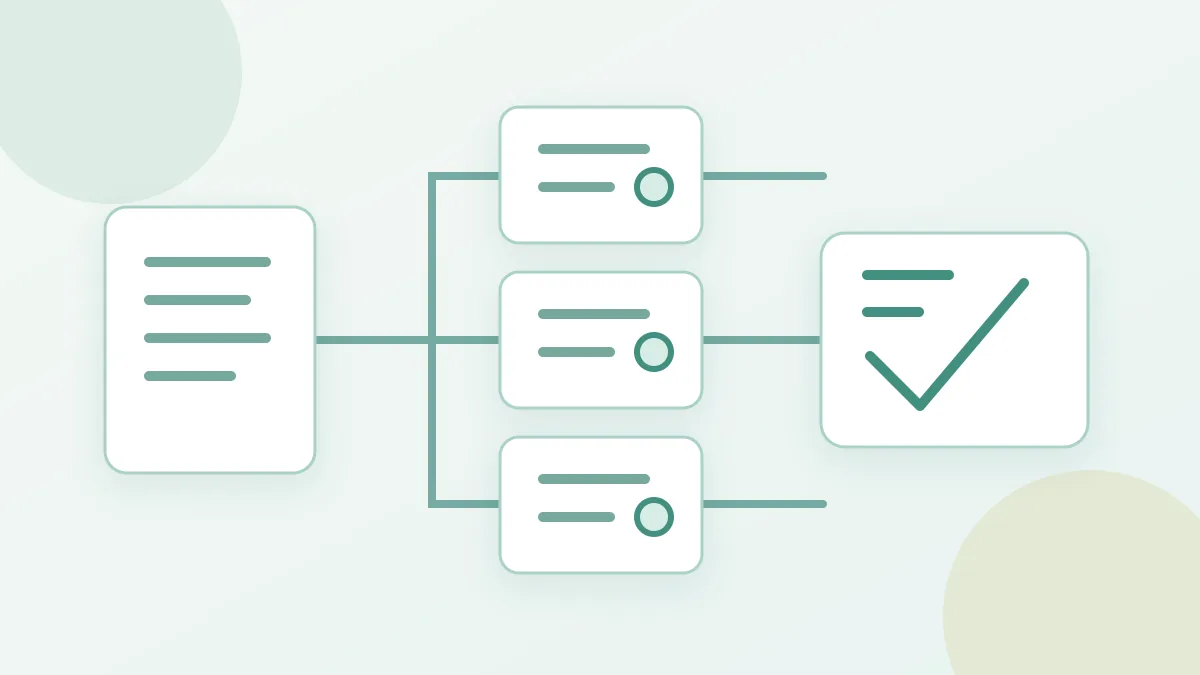
How do you confirm an Energy rental order is complete?
Check payment, the delivery state of each receiving address, then that address’s on-chain Energy. A paid checkout does not mean every linked order has been delivered.
Find the matching orders
Open the checkout in the rental page or account area. Keep the checkout number and each Energy order number. A batch purchase can contain several receiving addresses, so check each order; one successful address does not prove all were delivered.
Separate payment from delivery
First check whether payment was confirmed, then inspect each order’s delivery state. Awaiting payment, paid but awaiting dispatch, processing, delivered and needs attention are different stages. The current interface marks a delivered order as finished. A payment receipt or paid checkout alone does not prove that Energy arrived.
Verify the receiving address
- Compare the receiving address, Energy amount and rental duration in each order with what you selected.
- After an order shows delivered, inspect currently available Energy on that same TRON address. If a delegation TXID is shown, use a trusted on-chain lookup. Some orders use multiple resource allocations, so a missing single TXID alone does not prove non-delivery.
- Before transferring, confirm the actual sending address is the resource recipient and recheck Bandwidth, TRX and current Energy.
If the states disagree
If payment is confirmed but dispatch is still processing, refresh the order and watch for a state change. For failure, needs attention or a resource mismatch, keep the checkout and order numbers, address and available chain evidence for support. Do not pay again just because the page has not updated. A completed rental also does not guarantee a later USDT transfer succeeds; check that transaction’s receipt separately.